

Description
R4 Video Games Memory Card Download By Self 3DS Game Flashcard Adapter – the ultimate solution for gamers who want to enjoy a vast library of titles across multiple Nintendo platforms. This high‑performance flashcard supports 3DS, NDS, Game Boy Advance, Game Boy Color, Game Boy, Super Famicom, PC Engine, and more, all through a single, easy‑to‑use SD card adapter.
Product Overview
Experience the convenience of downloading and playing your favorite classic games on the go. The R4 card is engineered with a reliable SD card interface, enabling fast read/write speeds and long‑term durability. Its compact design fits snugly inside your 3DS or NDS, while the robust construction protects your game data from wear and tear.
Key Highlights
- Supports 3DS, NDS, GBA, GBC, GB, FC, PCE and many more Nintendo titles
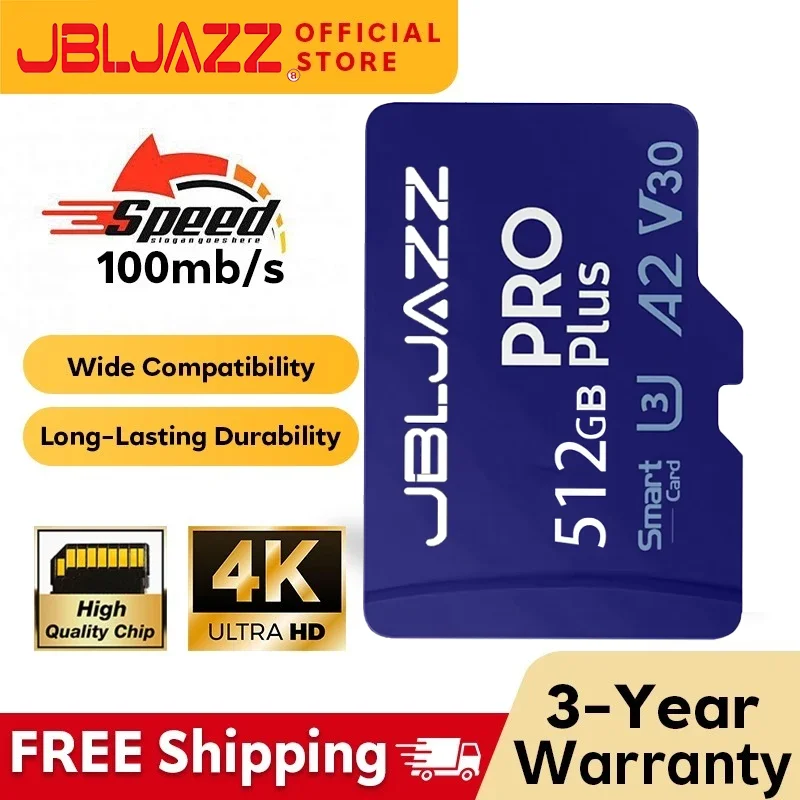
- Compatible with SD, SDHC, and SDXC cards (up to 32 GB)
- High‑speed UHS‑I interface for quick loading and minimal lag
- Built‑in USB 2.0 port for easy firmware updates and file transfer
- Durable, shock‑resistant housing for reliable use on the road
- Plug‑and‑play: no additional software required on the console
- Compact, lightweight design – perfect for travel and daily use
Compatibility
This R4 flashcard works seamlessly with:
- 3DS/2DS handhelds
- Nintendo DS and DS Lite
- Game Boy Advance (GBA) and Game Boy Advance SP
- Game Boy Color (GBC) and Game Boy (GB)
- Super Famicom (SFC) and Nintendo Family Computer (FC)
- PC Engine (PCE) and TurboGrafx‑16
Why Choose This R4 Card?
Whether you’re a retro gaming enthusiast or a modern console user, this flashcard offers:
- Unparalleled storage flexibility – store thousands of titles on a single SD card
- Fast, reliable game loading with minimal buffering
- Secure, encrypted firmware updates to keep your device protected
- Easy file management via a PC or Mac – simply drag and drop your ROMs
- Full compatibility with official Nintendo firmware updates
How to Use
1. Insert the R4 card into your 3DS or NDS.
2. Insert an SD card loaded with your ROM library.
3. Turn on your console; the R4 will automatically detect the SD card.
4. Select the game from the on‑screen menu and start playing.
5. For updates, connect the R4 to a PC via the USB port and follow the on‑screen instructions.
Customer Support & Warranty
Enjoy peace of mind with a 2‑year limited warranty and responsive customer support. If you encounter any issues, our dedicated team is ready to assist you with firmware updates, troubleshooting, and product replacements.
Upgrade your gaming experience with the R4 Video Games Memory Card Download By Self 3DS Game Flashcard Adapter – your gateway to a world of classic and modern Nintendo titles, all in one sleek, portable device.
Reviews
There are no reviews yet.