
Description
Product Overview
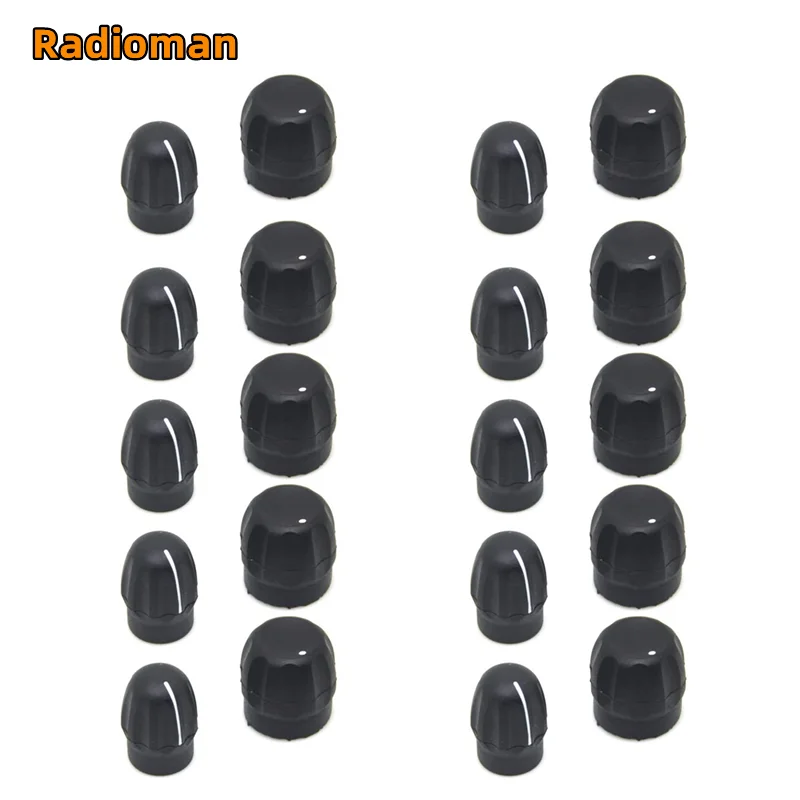
Upgrade your Motorola radios with the 10Pairs Volume and Channel Knob Button Cap, designed to protect and style the volume and channel knobs on a wide range of models including CP200, CP200D, CP040, Pro5150, GP380, HT1250, CP150, CP180, EP450, and DEP450. These high‑density, precision‑cut caps provide a sleek, professional look while safeguarding the knobs from dust, moisture, and accidental damage.
Key Features
- 10 pairs of durable, impact‑resistant plastic caps for long‑lasting protection.
- Exact fit for Motorola CP200, CP200D, CP040, Pro5150, GP380, HT1250, CP150, CP180, EP450, and DEP450 series.
- Easy snap‑on installation—no tools or modifications required.
- Clear, non‑gloss finish that resists fingerprints and smudges.
- Designed to maintain full knob functionality and tactile feedback.
- Ideal for professional field use, training, and fleet management.
Compatibility
These button caps are engineered to fit the following Motorola models:
- CP200 / CP200D
- CP040
- Pro5150
- GP380
- HT1250
- CP150
- CP180
- EP450
- DEP450
Why Choose These Caps?
Enhance the durability and appearance of your radios with a product that blends form and function. The caps are lightweight, yet robust, preventing accidental button presses and keeping your equipment clean in harsh environments. Ideal for field teams, dispatch centers, and fleet operators who demand reliability and a polished look.
Installation Instructions
1. Align the cap’s opening with the knob shaft.
2. Gently press the cap onto the knob until it clicks into place.
3. Repeat for each knob; all 10 caps fit securely and remain fully operable.


Reviews
There are no reviews yet.